

Content last revised on October 10, 2026
Differential LVDS Timing, Pixel Clock & Skew Verification
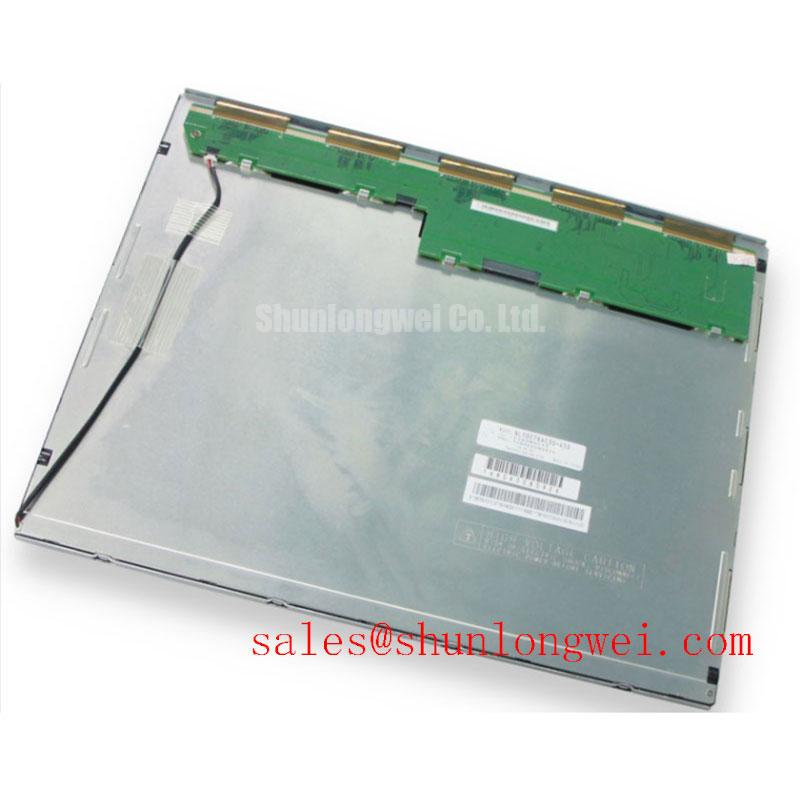
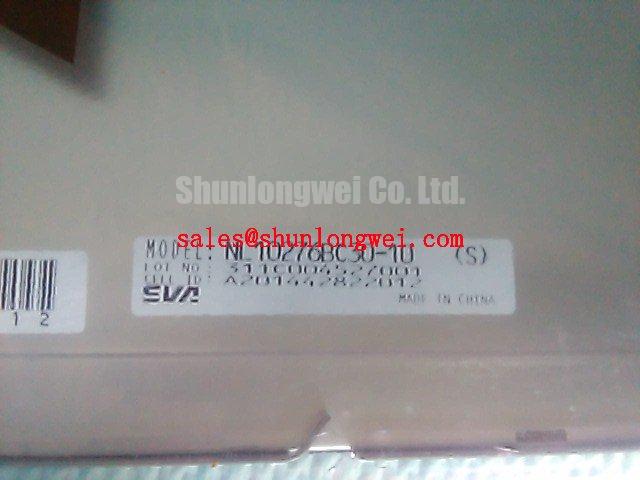
I check the host connector assignment against the panel connection drawing before reconnecting an NL10276BC30-10, especially when a replacement harness accompanies the repair. Connector appearance alone does not establish supply polarity, signal assignment, or compatibility.
Design Consideration: Treat logic power, display data, and backlight control as separate commissioning checks. Establish the required supply from the panel documentation, then capture its startup behavior at the module connector. Compare data enable, clock activity, and shutdown order with the specified sequence. A correct steady-state voltage does not establish correct startup timing, particularly when an aging host supply starts unevenly.
For an LVDS-equipped host, compare the transmitter mapping with the receiver requirements before changing software timings. JEIDA and VESA mapping differences can change color interpretation; incorrect channel assignment or timing can produce other image artifacts. Keep differential routing balanced, preserve the intended cable geometry, and assess pair-to-pair skew against the receiver timing budget. Select impedance and termination from the documented interface requirements rather than treating a generic cable specification as proof of compatibility.
Replacement screening should also separate electrical compatibility from optical suitability. The NL6448BC33-64 is another NEC display model to compare, not an automatic substitute. Compare native resolution, active area, mounting positions, connector assignment, and backlight requirements independently. For possible railway passenger-information or cab-signalling display integration, evaluate readability through the actual protective window and obtain the equipment-level environmental requirements; the model designation alone establishes neither suitability nor certification.
Check contrast and viewing-angle behavior under the intended ambient illumination. An anti-glare surface or an IPS/MVA description should not be attributed to this panel without its optical specification. The Tianma Industrial TFT Display Solutions resource provides broader industrial-display context, while module acceptance remains tied to the exact part documentation.
Single Vertical Hairline Defect & Column Fault Localization
Display full-screen red, green, and blue patterns and record whether a vertical hairline remains at the same physical column. Follow with neutral gray and ordinary text to distinguish a persistent column defect from content-dependent artifacts. Keep the source image, cable position, and brightness setting unchanged while comparing results.
Design Consideration: A fixed line can involve the panel signal path, column-driving circuitry, or an interconnection fault; its appearance does not identify a particular internal construction or fracture mechanism. Compare with a known-good source and inspect accessible connectors without pressing the glass or manipulating bonded edges. If the line changes with image content or harness position, that observation warrants a different investigation from a line that remains fixed across every pattern.
For a dark display, illuminate the front surface obliquely and look for a faint image. A visible image supports separating illumination troubleshooting from image-generation troubleshooting, but it does not prove that the lamp, inverter, or enable circuit is individually defective. Check the brightness command and illumination power path before assigning the fault.
Uneven gray fields also deserve a mechanical check. Examine bezel contact, gasket seating, bracket alignment, and cable pressure behind the module. Local loading can contribute to visible nonuniformity, so compare the image before and after correcting enclosure contact within the equipment assembly instructions. Do not attempt to remove mura by tightening the surrounding frame more aggressively.
If brightness changes introduce flicker or audible noise, observe the brightness-control waveform alongside illumination output. Assess dimming frequency, usable duty range, and low-brightness stability against the installed driver requirements rather than imposing a universal PWM setting. Where a touch overlay is fitted, evaluate glove and moisture response separately from LCD image quality; those functions belong to the overlay and its controller.
Eye-Diagram Voltage Margin & Differential Noise Floor Verification in High-Vibration Bays
Capture the differential signal near the receiving connector when image noise appears during nearby drive operation, using a probing arrangement that does not materially load the link. Compare quiet and disturbed conditions with the same image and acquisition settings. Look for changes in eye opening, edge timing, common-mode behavior, and supply disturbance rather than assigning every horizontal band to radiated interference.
Design Consideration: Cable movement and electrical interference can produce overlapping symptoms. Inspect connector retention and strain relief, then compare signal behavior during controlled equipment operation. Route display wiring away from switching power conductors where the enclosure permits, while maintaining the intended return paths. Shield termination and any common-mode suppression should follow the host grounding design and be validated by measurement; neither is a confirmed accessory supplied with this panel.
Clock-jitter and data-hold acceptance should come from the transmitter and receiver specifications. A visually stable image during an idle test is insufficient evidence of operating margin. Repeat checks with representative display content, normal machine activity, and the intended cable arrangement. Any assessment of EMC performance applies to the assembled equipment, not an independent claim that the LCD module satisfies a complete-system emissions standard.
Environmental checks should include gasket contact, airflow obstruction, and moisture exposure after temperature transitions. The Industrial Display & HMI Solutions resource offers broader integration context for these enclosure-level checks. Maintenance Note: Inspect ventilation paths and gasket seating regularly, and allow condensation to clear before energizing the display assembly.
CCFL Inverter Startup & Ignition Debugging
Identify the installed illumination assembly and its driver documentation before investigating a dark-start fault. Confirm the backlight type and inverter configuration from the exact module and equipment documentation. High-voltage measurements require suitable instrumentation and the equipment service procedure; an assumed ignition voltage is not an acceptable test target.
Design Consideration: On a documented CCFL assembly, compare startup behavior with the inverter specification, including enable control, supply stability, ignition response, and protection shutdown. A brief flash followed by darkness can involve several parts of that circuit. Evaluate the evidence at each accessible interface instead of bypassing protection or repeatedly forcing startup.
Keep illumination-driver selection separate from display-module selection. The NL10276AC30-53D is a related NEC display model for comparison, not a backlight driver or an established interchangeable part. Compare its complete electrical and mechanical requirements before considering it within the same host architecture.
After restoring illumination, check brightness uniformity, enclosure heat distribution, and image timing throughout the equipment’s documented operating conditions. Avoid concentrating driver heat against the display frame or obstructing the established airflow path. The NEC corporate resource provides manufacturer context, but service acceptance should use model-specific documentation. Record the measured startup behavior, brightness response, and remaining image defects in the maintenance report; brightness decay, service life, and MTBF are separate quantities and should not be substituted for one another.