


Content last revised on October 6, 2026
Industrial EMI Noise Immunity, Chassis Shielding Continuity and Common-Mode Ferrite Chokes
If an operator screen develops moving bands or intermittent pixel disturbance while nearby motor drives operate, record when the symptom appears before attributing it to the LCD. Compare the picture with the drive running and stopped, and check whether the disturbance also appears on a known-good signal path. A loose display connection, unstable supply rail or controller fault can produce a similar complaint. These observations help separate a system-level interference problem from a fault that follows the panel.
Inspect the complete cable route from controller to display. Confirm that each connector is seated, its latch is intact and the cable is not strained at a bend or trapped against the chassis. Design Consideration: Where the equipment uses a shielded display cable, maintain the shield termination specified by its system drawing; where common-mode ferrites are fitted, compare their placement with the original assembly. Neither a particular FFC or LVDS interface nor a ferrite requirement is established for LQ9D340 by the supplied factory information. Do not change cable termination on the assumption that every TFT module uses the same interface.
Use an oscilloscope and the equipment service procedure to compare display supply behavior and available video signals during the fault. If disturbance correlates with switching equipment, inspect chassis bonding, cable routing and connector contact before changing parts. Design Consideration: keep sensitive display wiring away from noisy power conductors where the enclosure permits, then verify any routing change on the assembled machine. Immunity belongs to the installed system; it cannot be inferred from the LCD model designation alone.
The display, controller, power source and backlight electronics form separate diagnostic parts of the same image chain. A lit panel with corrupted image data calls for different checks from a correctly addressed panel with no illumination. The LM64P10 is another display product that may be reviewed when mapping equipment-level display requirements, but it should not be treated as a backlight driver or a compatible companion to LQ9D340 without documentation for both parts. If a controller or backlight assembly is being replaced alongside the LCD, verify each connection and operating requirement independently.
Do not treat visibility in bright light as an assumed feature of this model. No contrast ratio at a stated illuminance, anti-glare coating or sunlight-readability rating is established in the supplied specifications. For an exposed operator station, the system integrator should verify those properties against the original optical data and test the complete viewing assembly under its actual lighting conditions.
Industrial Bezel Mechanical Envelope Tolerances and Mounting Screw Torque Optimization
Before removing the installed screen, photograph its mounting orientation and note where brackets, spacers, seals and cable exits sit relative to the chassis. Measure the equipment opening and compare the original assembly drawing with the prospective panel drawing. The TFT-LCD display module classification describes the product type (Official Factory Specification), not its outer dimensions, active area, hole pattern or mechanical tolerances. A matching diagonal description, if one appears elsewhere in an equipment record, would not establish mechanical interchangeability.
With the panel removed, inspect the bezel and supporting frame for bowed edges, trapped debris and uneven contact. A dark patch that changes as the bezel is relieved may suggest mechanical loading, but it does not identify a particular internal material or defect. Check the image with the cover fitted and again with the approved service access arrangement before deciding whether the panel itself is at fault. Avoid pressing on the viewing area to reproduce a symptom.
Design Consideration: tighten approved mounting fasteners progressively and evenly so the assembled bezel supports the display without twisting it. Use the torque and sequence stated by the equipment or panel manufacturer, rather than applying a generic value to an unidentified screw and chassis combination. If a seal or gasket is present, confirm its placement against the enclosure drawing. Optical bonding, dust sealing and moisture resistance are properties of a documented display assembly or enclosure design; they are not confirmed features of LQ9D340 in the supplied factory information.
A purchasing comparison should preserve the mechanical questions, not just the model names. The LM190E08-TLG6 can be placed on a comparison list, subject to checking its documented dimensions, resolution, electrical interface, mounting points and backlight requirements against those of LQ9D340 and the host equipment. No same-size, same-resolution or drop-in relationship is established here. For a CNC operator panel or robot teach pendant, compatibility also depends on the surrounding cover, touch assembly where fitted, cable reach and service clearance.
Temperature Margin, Cold-Start Response and Display Power Sequencing
Record ambient conditions when a screen appears slow, faint or washed out at startup. Liquid-crystal response can change with temperature, so a complaint observed only in the cold should be compared with the same equipment after it reaches its normal operating condition. That comparison is a diagnostic observation, not proof that the panel is within its rated range. The supplied factory information does not verify an operating temperature span, gray-to-gray response specification, perimeter seal construction or heater provision for LQ9D340; obtain those limits from the original Sharp documentation before evaluating cold-service suitability.
Check the display supply at the connector during startup and shutdown using the equipment schematic and an appropriate measurement method. A white screen can occur when illumination is present but valid image data has not reached the display. It can also follow an electrical or panel fault. Compare the controller enable signals, supply behavior and image appearance with a known-good machine or documented timing sequence before assigning the cause. The system integrator should verify the required supply voltage from the original panel documentation, not infer it from the TFT-LCD product category.
Residual image after power-down likewise deserves a sequence check rather than an immediate panel exchange. Observe whether the controller, panel supply and backlight cease operation in the order specified for the equipment. If one supply remains active unexpectedly, trace that condition through the host electronics. Design Consideration: establish power-up and power-down timing from the approved panel and controller documents, then validate the sequence at the installed connectors. No timing interval or discharge requirement for this model is established by the supplied factory information.
Where the front cover includes a bonded layer or protective window, inspect that assembly separately from the LCD. Condensation, trapped contamination or edge changes in the cover can alter the viewed image without identifying a defect inside the display module. The same caution applies to viewing-angle complaints: do not assume that LQ9D340 uses IPS or MVA optics, or promise color stability at a particular angle, without its optical specification. Compare the image from the operator’s normal position under the equipment’s actual lighting, then consult documented viewing-angle and contrast data if those requirements govern acceptance.
Single Vertical Hairline Defect and Column-Path Fault Localization
Begin a line-defect check with the machine in a safe service state and a stable test image. Display solid red, green and blue fields in turn, then record whether the hairline remains at the same position, changes color or disappears. Repeat with a known-good image source if the equipment permits. A fixed vertical line may point toward a panel-side column-path problem, but a video-source or cable fault still needs to be excluded. The color-field test narrows the observation; it does not establish an internal open circuit or a particular driver construction.
For a screen that appears black, first determine whether image content is present without normal illumination. A flashlight held obliquely to the face can make faint content easier to see. If content is visible, inspect the backlight supply and its control path using the original equipment documentation. If no content appears, check the display supply, connector seating and available video signals before condemning the panel. Use a repeatable viewing angle and avoid interpreting reflections from the cover glass as image detail.
⚠️ Field Alert: Power off and follow the equipment discharge procedure before disconnecting or reseating the display cable.
Do not assign a differential-pair impedance or skew budget to LQ9D340 without a confirmed interface specification. If the original documentation identifies a differential video link, inspect the installed cable and compare signal quality with its approved design and a known-good path. For broader explanations of TFT image formation and display selection, consult The Ultimate Guide to Industrial TFT LCD Technology; the equipment drawing and the model-specific panel document remain the authorities for connector and signal requirements.
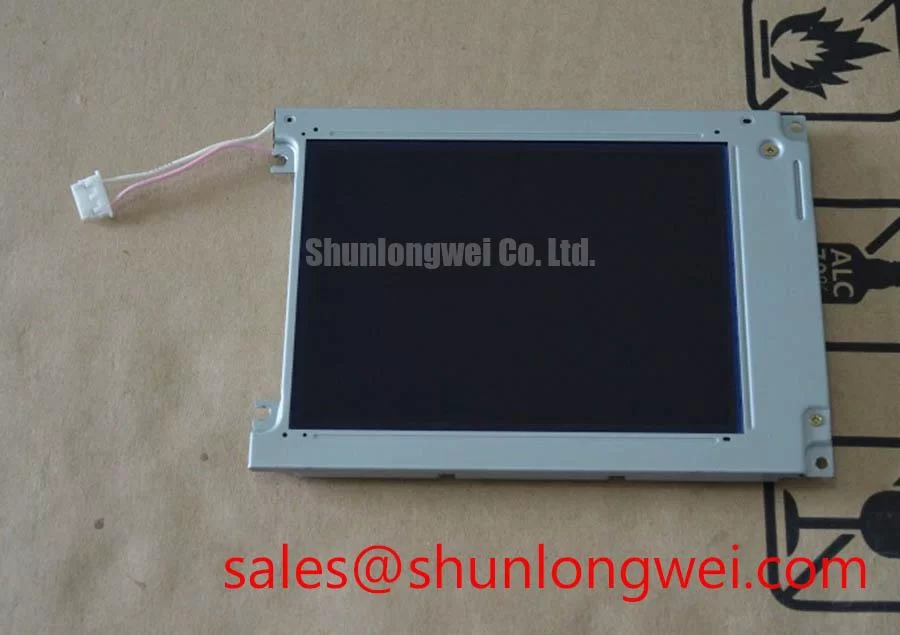
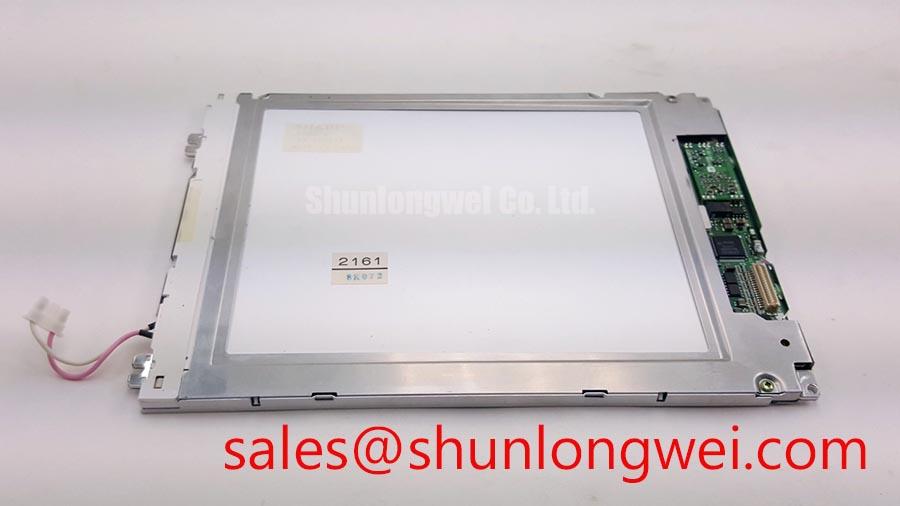
Document the final fault state with photographs of the test fields, connector positions and measured supply behavior. That record lets maintenance distinguish a defect that follows the Sharp LQ9D340 module from one that stays with the controller, cable or backlight circuit when assemblies are exchanged under the approved service procedure.