Content last revised on October 26, 2026
LVDS Interface Synchronization & Logic Power Rail Verification
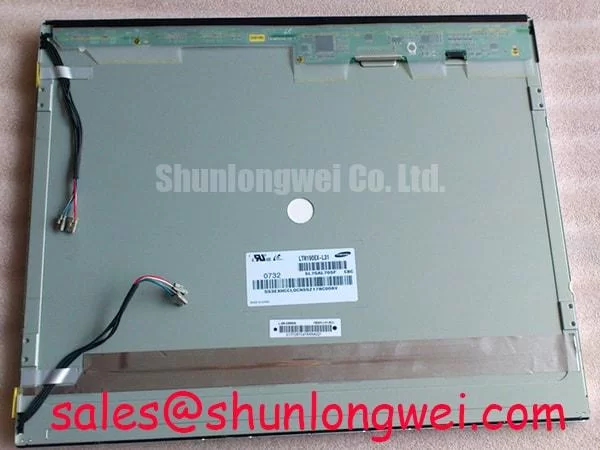
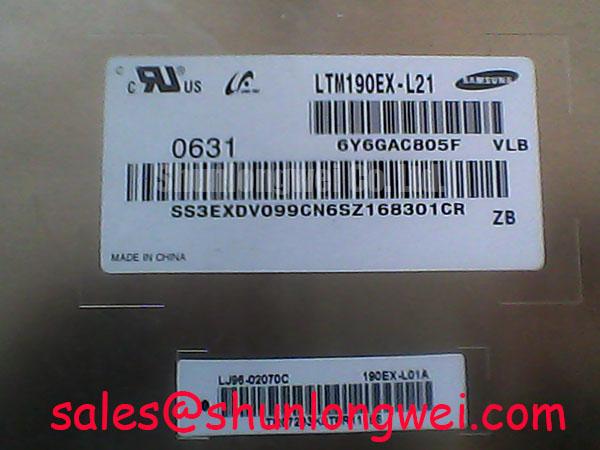
- Disconnect panel and inverter power before checking the LTM190EX-L05 label, connector orientation, cable condition, and chassis mounting points.
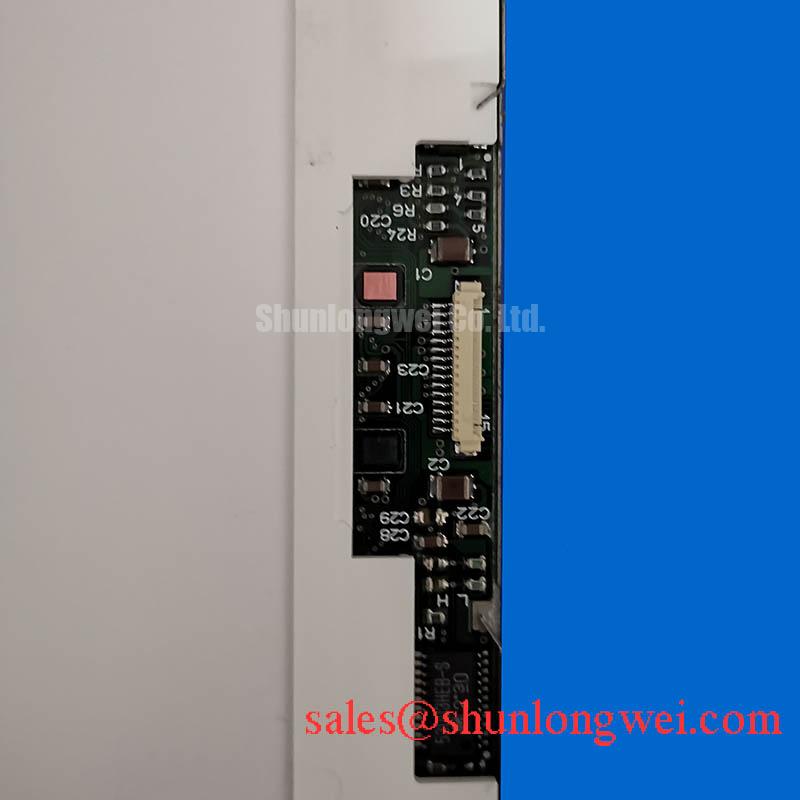
- Compare the host display connection with the panel’s 30-pin, dual-channel, 8-bit LVDS interface; check signal assignments before connecting a replacement cable.
- Inspect the CCFL inverter connections and lamp wiring separately from the logic connector, keeping power disconnected during handling.
- Check bezel clearance and mounting alignment before tightening the panel into the enclosure.
The LTM190EX-L05 is a 19.0-inch LCD display with 1280 × 1024 SXGA resolution and a CCFL backlight. Its supplied product specifications include 400 cd/m² typical luminance, 700:1 typical contrast ratio, and 1.7 / 6.3 ms response time, identified as Tr/Td. The surface specification is glare, haze 0%, with a 3H hard coating.
For replacement assessment, match the complete model suffix against the equipment bill of materials. The supplied brand reference is Toshiba / Samsung; establish the manufacturer identity from the panel label and procurement documentation. Consult the original datasheet for logic supply, connector pin assignments, power sequencing, operating temperature, and mechanical dimensions.
Trace the host video path to its LVDS transmitter before evaluating synchronization: the LTM190EX-L05 interface is LVDS, so a parallel TTL RGB bus requires a suitable transmitter between the controller and panel. As a Design Consideration, distinguish controller-side parallel timing from receiver-side serialized timing when comparing schematics, cable drawings, and oscilloscope measurements.
Check channel allocation, differential-pair polarity, clock connections, and color-bit assignments together. An illuminated image with incorrect colors or displaced image sections can justify examining channel order and data mapping, but those symptoms do not identify a single cause. JEIDA/VESA compatibility should be established through the transmitter configuration and panel pin definition rather than inferred from connector shape.
As an Engineering Recommendation, evaluate clock jitter and data timing at the receiving interface under the host’s intended operating conditions. Probe loading, cable discontinuities, and reference-ground quality can affect the observed waveform. Set acceptance limits from the transmitter and receiver timing requirements, then examine whether supply transitions or inverter operation disturb that margin.
Verify the logic rail against its specified operating limits and sequencing requirements during startup and shutdown. Measure at the panel connector so cable losses and transient behavior remain visible. Design Consideration: preserve differential-pair balance through routing and connector transitions, then validate signal quality at the receiver with the installed cable.
Temperature Assessment (−30°C to +85°C Proposal) & Sub-Zero Liquid Crystal Viscosity
Treat −30°C to +85°C as an environmental qualification proposal, not an established operating rating for this panel. Temperature testing belongs within the panel’s documented limits and the equipment’s approved environmental requirements. The supplied 1.7 / 6.3 ms Tr/Td specification does not establish gray-to-gray performance throughout that proposed range.
As a Design Consideration, lower liquid-crystal temperature can slow optical transitions, while backlight startup behavior can change independently. Compare moving edges, intermediate gray transitions, and image stabilization after startup. Record the panel temperature and test conditions alongside observations so a cold backlight and slower pixel response are not treated as the same fault.
Temperature assessment should also examine brightness distribution after warmup and during sustained operation. Keep inverter heat and restricted ventilation from creating localized heating around the panel assembly. This is an enclosure integration issue; it does not establish a particular internal optical material, sealant composition, or thermal endurance rating.
The Industrial Display & HMI Solutions resource provides broader context for environmental evaluation. For this model, retain temperature histories, startup observations, and optical measurements as qualification records rather than converting a short bench test into a service-life prediction.
Full-Screen Primary Color AOI Screening: Stuck Sub-Pixels & Background Uniformity Audit
Display full-screen red, green, and blue patterns in sequence, keeping the source image at 1280 × 1024 without scaling. Examine each pattern for persistent bright or dark subpixels, unstable lines, and color contamination. Follow with white, black, and intermediate-gray fields to assess background uniformity and distinguish pattern-dependent behavior from fixed spatial defects.
As an Engineering Recommendation, compare suspect areas under repeatable viewing conditions and retain photographs with consistent exposure. A line defect can involve the source, cable, timing electronics, or panel assembly; its appearance alone does not establish an internal bond failure. Repeating the pattern with a known-good signal path helps narrow the investigation without relying on destructive pressure or flexing.
If the screen appears dark, oblique external illumination can help establish whether a faint image remains present. This observation can support separating image generation from backlight operation, but it cannot identify the failed lamp, inverter circuit, or power connection by itself. The CCFL backlight requires evaluation of its inverter and lamp connections; LED constant-current assumptions do not describe this backlight arrangement. The distinction is explained in the reference on backlight units.
As a Design Consideration, assess dimming through the installed inverter’s supported control interface. Observe luminance stability, visible flicker, and audible behavior across the equipment’s intended adjustment range. Evaluate gray ramps before changing controller gamma settings, since source processing and timing faults can also disturb tonal reproduction. Viewing-angle color checks should use the actual panel rather than assume an IPS or MVA architecture.
Thermal Expansion Clearance Sizing across Heavy Industrial Metal Enclosure Cutouts
Compare the enclosure cutout, mounting features, connector access, and cable bend space with the panel mechanical drawing before assembly. As a Design Consideration, allow for enclosure expansion and assembly tolerances without transferring bezel pressure into the display surface. Select fastener engagement and tightening limits from the approved mounting arrangement rather than assign a generic screw torque to this model.
Inspect a uniform gray field before and after mounting to detect assembly-related changes. If shading changes with fastener loading, investigate seating, bracket flatness, and localized contact. The specified glare surface with 0% haze requires attention to reflections; the 3H hard coating does not establish an anti-glare treatment. The 700:1 typical contrast ratio also does not establish sunlight readability, because ambient reflections affect perceived contrast, as discussed in contrast ratio measurement.
For repair sourcing, LQ190E1LW42 can enter a comparison shortlist, with compatibility determined through interface mapping, backlight requirements, optical behavior, and mechanical fit. For potential surgical-navigation or ultrasound-display integration, designers should verify grayscale presentation, viewing geometry, and the equipment’s applicable qualification requirements. Close the mechanical assessment by checking installed image uniformity, cable clearance, and bezel contact after the enclosure reaches its intended operating condition.