Content last revised on October 5, 2026
High-Humidity Storage Margins and Delamination Prevention
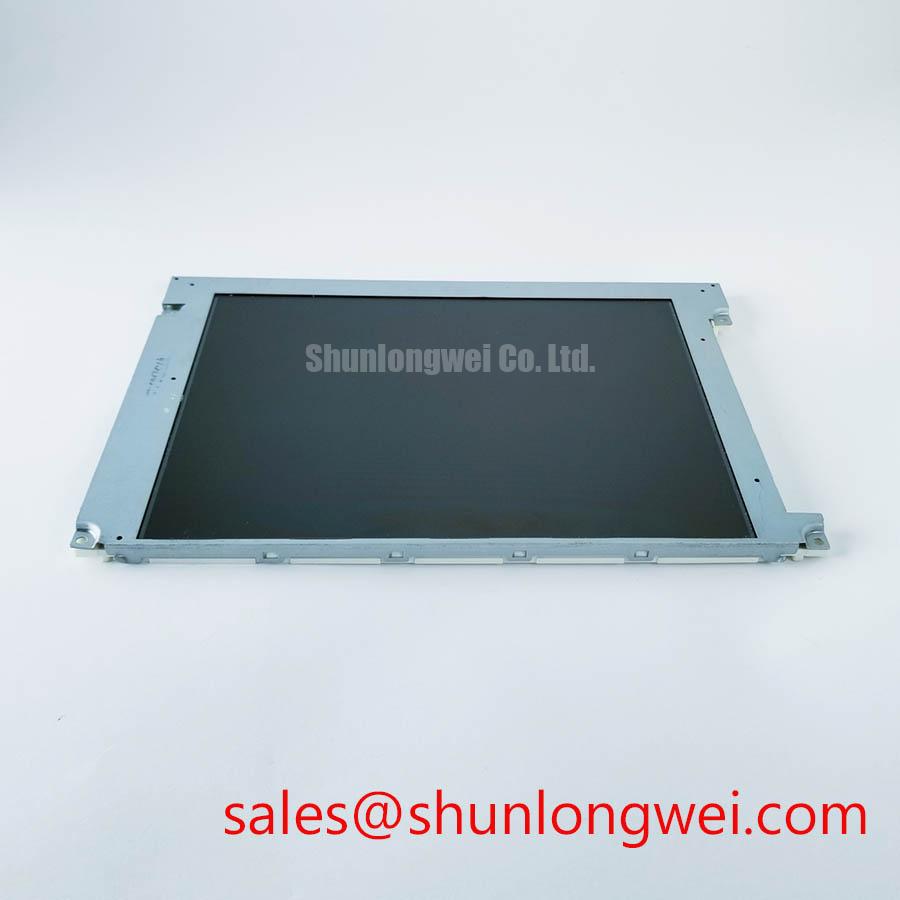
Inspect the bezel, connector and rear label of the LTM270DL11-C01 before applying power, then compare the installed panel documentation with the replacement unit’s markings. The supplied factory information identifies it as a Toshiba / Samsung industrial-grade TFT-LCD display module; it does not establish the supply voltage, connector pinout, optical ratings or mechanical dimensions needed to approve an installation. Record those details from the original panel documentation and the equipment drawing before connecting a controller or backlight driver.
Begin a storage assessment at the panel edges. Under oblique light, look for changes in the visible optical stack, moisture marks beneath accessible cover surfaces, and separation around the perimeter. Compare observations with an unused reference or earlier inspection photographs where available. A visible edge change warrants further examination, but appearance alone does not identify which layer or seal is affected. Avoid assigning a material or sealant specification to the LTM270DL11-C01 without its applicable factory drawing.
Humidity and temperature limits must come from the documentation for the exact panel revision. The supplied factory information does not state a storage humidity rating, thermal-cycle range or condensation allowance. Design Consideration: when a display moves from cold storage into a warmer service area, allow its temperature to stabilize before energizing it or assessing the optical surface. The appropriate stabilization procedure depends on the enclosure, packaging and documented environmental limits. If the equipment has a sealed front window, inspect that window separately; moisture on an enclosure surface should not be attributed to the LCD module without isolating the two.
Cold conditions can slow liquid-crystal transitions and make moving text or changing graphics appear to trail. A technician evaluating gray-to-gray response should display the same test pattern at controlled temperatures, record the transition behavior, and compare it against the equipment’s acceptance criteria. That observation is distinct from a specification for this model: no verified gray-to-gray time or low-temperature operating limit has been provided. Check the controller’s timing and image-processing settings before treating response lag as a panel defect. T-CON timing and gamma behavior can affect the appearance of intermediate shades, so a stable test image and a known-good signal path matter when comparing panels.
For an enclosure considered for a petrochemical operator station, define the sealing and environmental requirements at the assembled-equipment level. An industrial-grade panel designation alone does not establish that a completed station is suitable for a hazardous location. Engineers planning such an integration can use the Industrial Display & HMI Solutions engineering guide to frame enclosure and environmental checks, while relying on the equipment’s own drawings and approvals for the installation decision.
Polarizer Durability and Optical Film Inspection under Industrial Lighting
Inspect the display with the backlight off, then with uniform white, gray and dark test images. Move the viewing position rather than judging it only from directly in front: reflected light, localized haze and angle-dependent contrast are easier to separate when the illumination and viewing geometry are recorded. Look for scratches or lifting at accessible surface edges without assuming that the exposed surface is the polarizer itself. A protective window, coating or film fitted by the equipment manufacturer may be the first optical surface a technician sees.
The supplied information does not identify the LTM270DL11-C01 liquid-crystal mode, viewing-angle rating, anti-glare treatment or optical-bonding construction. Those characteristics should be checked against the applicable panel specification and the installed assembly. TN grayscale inversion and the more symmetric viewing behavior associated with some IPS or MVA designs are useful comparison principles, not a basis for assigning this module to any of those modes. If operators read alarms from an offset position, evaluate legibility from the actual standing and seated locations using the equipment’s normal text size and color scheme.
Strong ambient lighting can obscure dark text through reflections even when the panel performs well in a controlled room. Test with the intended front window and enclosure fitted; removing them can produce an optical result that does not represent the operator station. Do not specify a sunlight contrast ratio or claim an anti-glare coating for this model without a verified optical specification. A practical acceptance record can include photographs taken from repeatable positions, the displayed test pattern, the lighting arrangement and any observed change when the front window is installed.
When replacing a panel, compare grayscale ramps as well as full-color images. Banding, clipped shadow detail or a color shift may involve source data mapping, T-CON settings, gamma handling or the optical assembly. Inspect the controller configuration and original panel interface documentation before changing image settings. If the source uses a differential display interface, confirm that its data mapping matches the panel documentation; a mismatch between JEIDA and VESA conventions can distort colors without indicating damage to the optical films. The supplied factory information does not confirm the interface or mapping of this model, so neither should be assumed during a swap.
Suppressing Backlight Driver Noise and Display Interference
Identify the specified backlight connection and driver requirements from the original documentation before bench testing the LTM270DL11-C01. Its backlight technology, drive ratings, dimming method and expected service life are not stated in the supplied factory information. A driver selected by appearance or connector fit alone cannot establish electrical compatibility. Trace the installed harness to the driver board, compare the documented connector assignment, and verify the power-up sequence before applying a supply.
If a fitted driver produces audible noise as brightness changes, record the brightness setting at which it occurs and test the panel and driver as an assembly. Mechanical coupling to the chassis, switching behavior and the driver’s control method are separate items to investigate. Use the original driver requirements to evaluate any dimming waveform; no PWM frequency, dimming ratio or duty-cycle linearity rating can be attributed to this module from the information provided. The same restraint applies to backlight lifetime: an hours-to-failure figure would need a source and stated test conditions.
Visible flicker calls for a controlled check rather than an immediate change to driver settings. Observe a static text pattern at the equipment’s normal brightness levels, then examine the relevant driver control and supply signals with suitable instruments. Compare the result with a known-good station where possible. Flicker perceived by an operator, artifacts captured by a camera and electrical ripple measured at a driver are different observations; documenting each helps the equipment engineer decide which part of the signal chain needs attention.
For interference checks, keep the backlight power route and the display signal route identifiable in the assembly drawing and examine the completed equipment under its normal operating conditions. Design Consideration: cable routing, grounding and driver selection can influence both displayed artifacts and conducted or radiated noise, but compliance belongs to the evaluated equipment configuration, not to the LCD module by itself. Confirm any EMC requirement through the system test plan rather than inferring certification from the panel category.
Chassis Fastener Fit and Signal Integrity without Optical Mura
Place the unpowered module against the chassis drawing before tightening its retainers. Check the bezel opening, support points, connector access and clearance around the active display area. The supplied factory information does not provide an outer envelope drawing, mounting-hole dimensions or a fastener torque for the LTM270DL11-C01. Obtain the drawing for the exact revision instead of transferring dimensions or torque settings from a visually similar panel.
Uneven support or pressure from a front window can coincide with localized brightness variation, often described as mura. To investigate it, display uniform gray and dark patterns, note where the variation appears, and compare the image before and after the assembly is seated according to its approved procedure. Also examine whether the front window, gasket or chassis contacts the module where the equipment drawing does not intend contact. The optical result does not, by itself, identify which internal layer is under stress. Specify mounting force and any tightening sequence from the applicable mechanical documents, then verify the assembled image.
Check the display cable before closing the chassis. Match connector orientation, contact assignment and cable construction to the original equipment record; physical fit is not proof of signal compatibility. Where the documented interface uses differential pairs, preserve their pairing and avoid unnecessary changes in routing or connector transitions. Pro Tip: Keep documented differential display pairs length matched through the replacement harness to reduce avoidable timing skew, then verify the image with the actual controller. Pair impedance and skew limits must be taken from the applicable interface and system design documents, not assigned to this model without evidence.
Finish with a powered check using the installed controller: confirm startup behavior, stable text, grayscale ramps and backlight response after the enclosure is secured. If colors or line positions are wrong, compare the original and replacement connector assignments, data mapping and power sequence before adjusting mechanical fit. If the image changes only when the chassis is closed, inspect cable strain and panel support before altering the controller. These checks give the maintenance team observable evidence for an integration decision without treating an unverified panel parameter as a factory limit.