


Content last revised on September 22, 2026
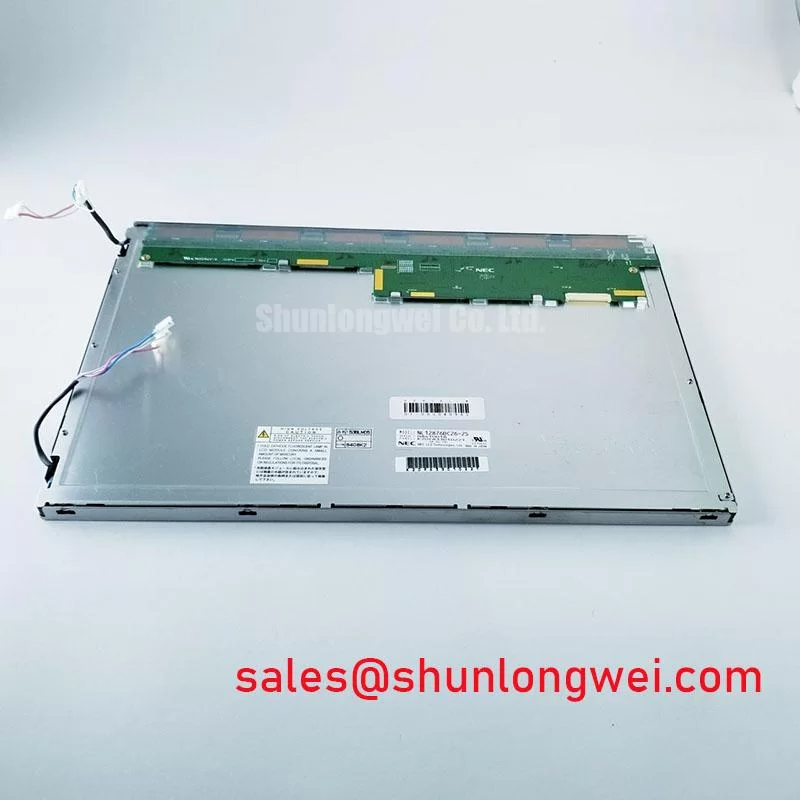
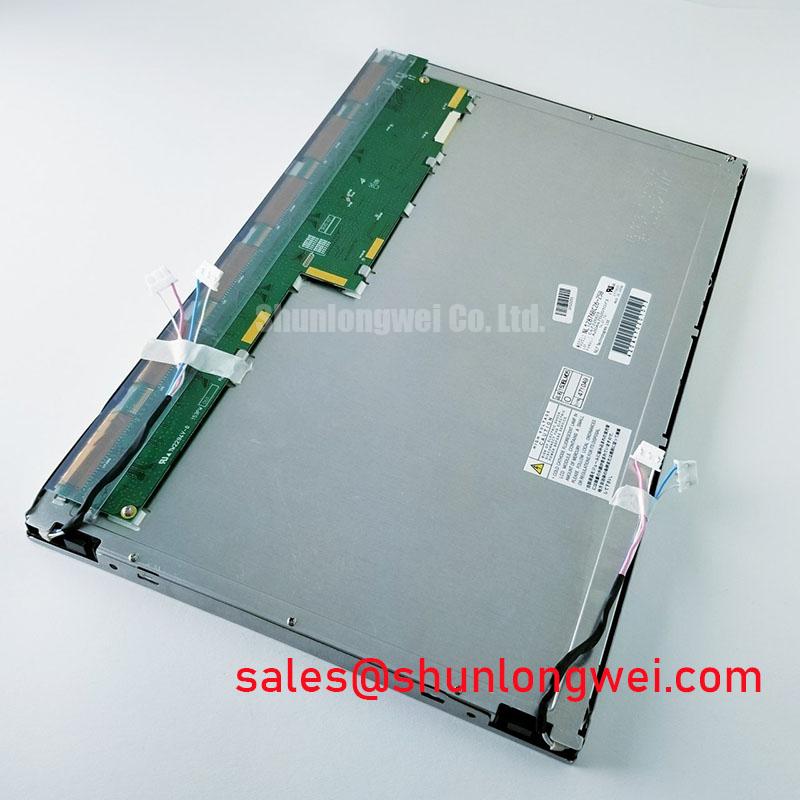
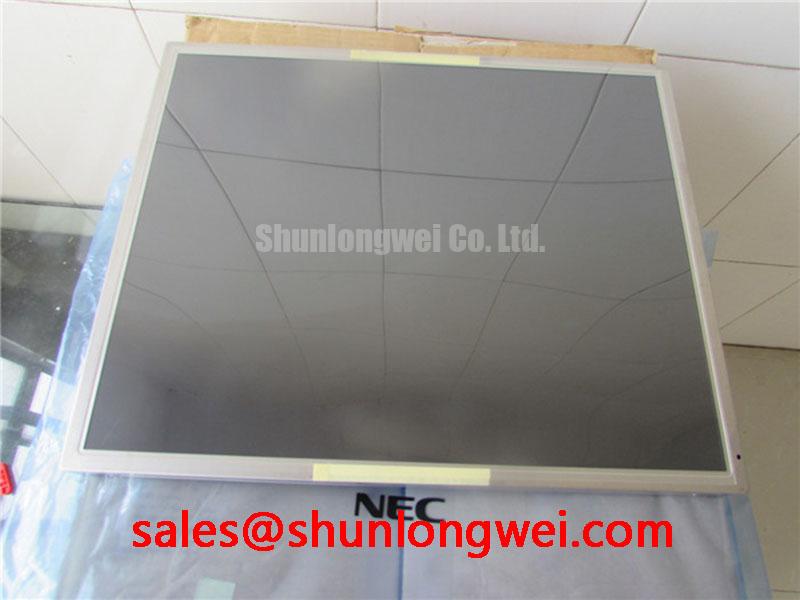
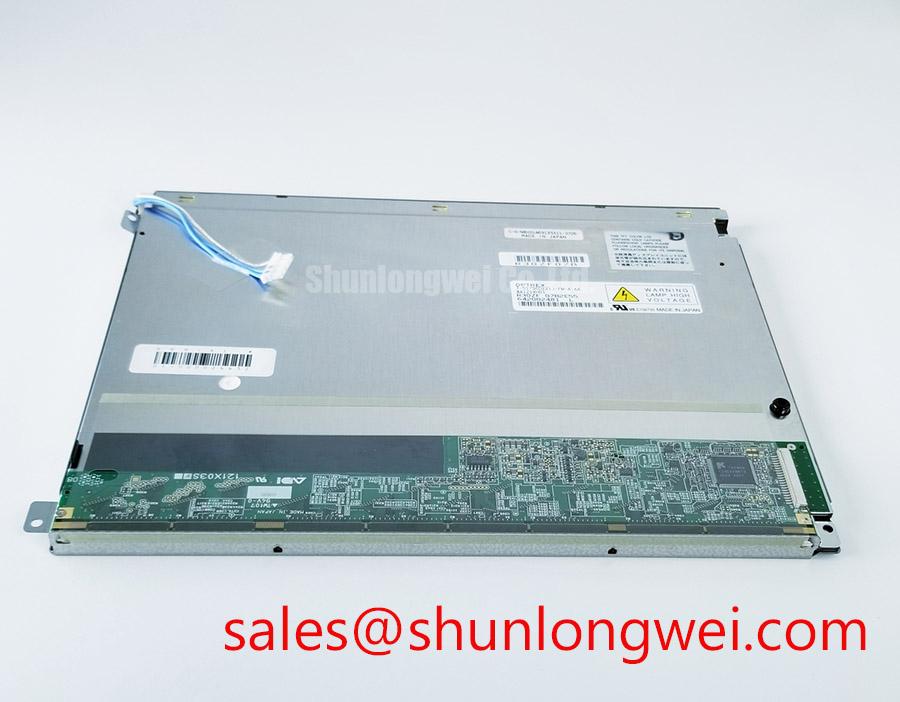
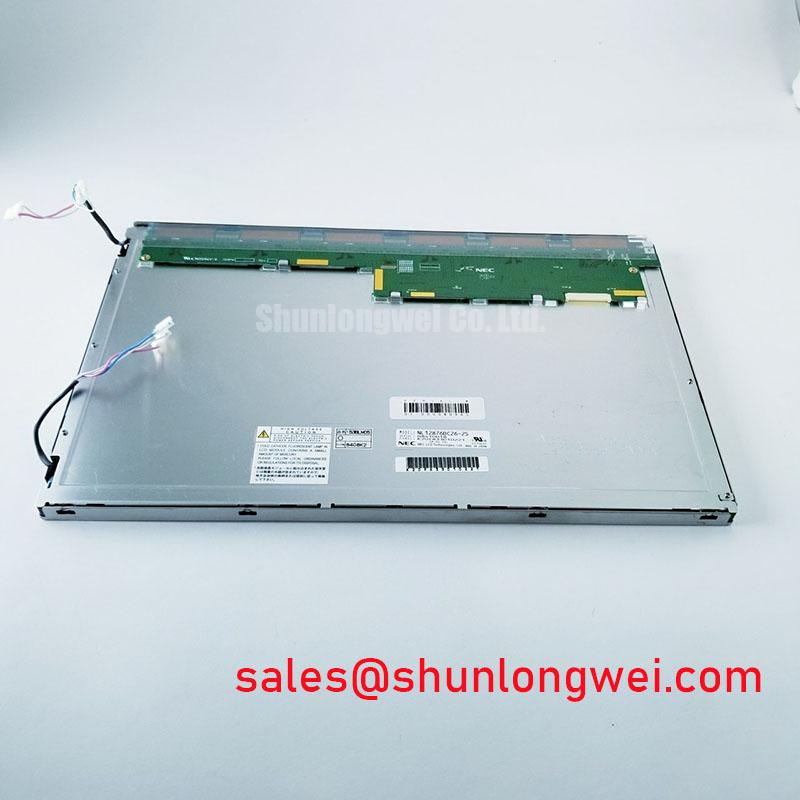
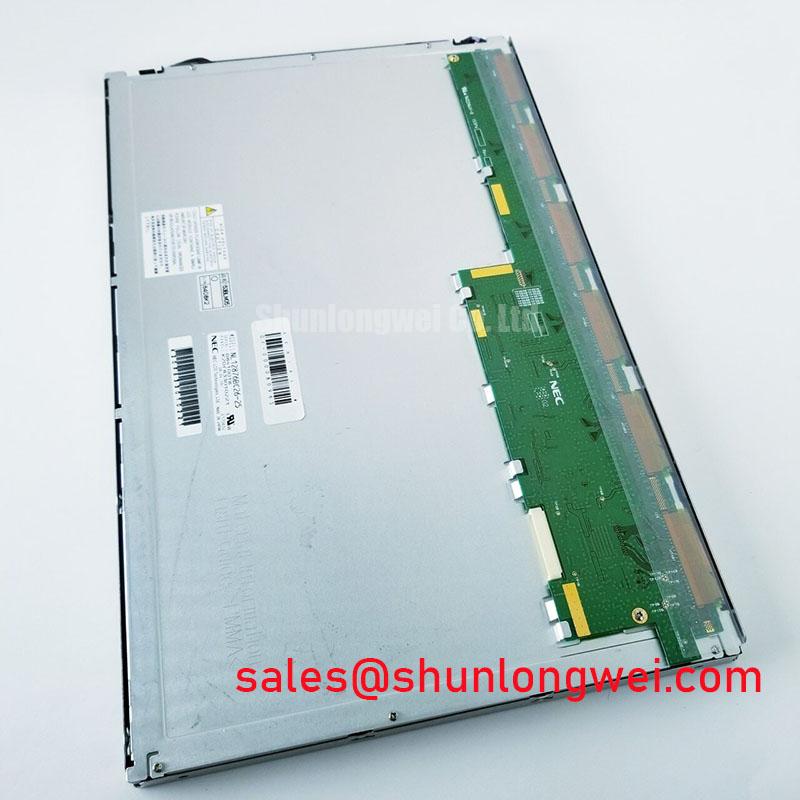
NL12876BC26-25 NEC TFT LCD Industrial Display Module
Check the identification label, inspect the TFT-LCD module for glass, frame, and connector damage, then compare the incoming unit with the original panel documentation before applying power. The NL12876BC26-25 is identified in the supplied factory context as an NEC Industrial Grade LCD/HMI Panel using a TFT-LCD Display Module construction. Detailed operating specifications still require verification against the applicable factory documentation.
For incoming quality control, begin with a visual inspection under controlled illumination. Check the display surface for scratches, pressure marks, edge damage, contamination, and signs of uneven mechanical loading. Examine the flexible cable, connector body, contact area, and locking mechanism without forcing the assembly. A cold resistance check may help identify an obvious short or open condition in the external harness, but it does not replace the original NEC panel documentation or a powered signal test.
The available product information does not confirm the panel resolution, active-area dimensions, logic supply voltage, backlight architecture, connector pin assignment, interface mapping, brightness, contrast ratio, viewing angle, or operating temperature range. These values should therefore be verified against the original panel label, equipment service documentation, and the applicable factory datasheet before procurement or installation. This distinction is important when evaluating the unit for a high-precision surgical navigation display or an ultrasound diagnostic terminal, where an apparently similar panel may still differ in timing, connector layout, optical performance, or power sequencing.
| Item | Verified product information |
|---|---|
| Model | NL12876BC26-25 |
| Manufacturer | NEC |
| Product category | Industrial Grade LCD/HMI Panel |
| Construction description | TFT-LCD Display Module |
| Identification status | Factory identification context supplied; detailed operating specifications require documentation verification |
| Unconfirmed integration data | Resolution, dimensions, interface, supply voltage, backlight data, timing, and optical ratings require documentation verification |
When a repair team is comparing display assemblies, the NL8048AC19-13KD can be reviewed as a separate NEC display listing for dimensional and interface comparison. It should not be treated as a direct replacement unless the system engineer confirms mechanical, electrical, optical, and firmware compatibility.
Digital Display Bus Synchronization and Logic Power Rail Verification
Do not assume that the NL12876BC26-25 accepts a TTL 24-bit RGB bus merely because the host equipment uses a digital display interface. The supplied factory information identifies the product as a TFT-LCD display module but does not provide a confirmed interface type or pinout. The system integrator should verify the required supply voltage from the original panel documentation and confirm whether the source uses TTL RGB, LVDS, or another display signaling arrangement.
At the bench, compare the replacement panel connector with a known-good assembly before connecting the system harness. Confirm connector keying, pin numbering orientation, cable contact direction, shield termination, and locking action. A connector that physically fits can still have a different power, ground, clock, data, enable, or backlight arrangement. The first powered test should use the equipment’s documented current-limited procedure rather than an assumed voltage.
If the original design uses a 24-bit digital RGB path, verify the red, green, and blue data grouping together with pixel clock, horizontal synchronization, vertical synchronization, and enable signals. Incorrect bit mapping can produce wrong colors, unstable text, split-screen effects, or a picture that appears shifted even when the panel itself is undamaged. JEIDA and VESA mapping should be checked only when the applicable interface documentation confirms an LVDS transmitter and receiver arrangement. It should not be inferred from the model number.
For any high-speed differential path identified by the system documentation, maintain the intended controlled-impedance route and keep paired conductors together through the connector transition. A commonly used engineering target for LVDS routing is 100 Ω differential impedance, but this is a host-system design consideration, not a confirmed factory specification for this NEC module. Trace skew, return-current continuity, connector geometry, and cable construction should be evaluated together with an oscilloscope or suitable signal-integrity equipment.
Power-on sequencing also requires documentation review. The timing relationship between logic power, display enable, reset, pixel clock, and backlight control can vary between equipment platforms. If the host specification defines a permitted rise-time or enable window, test the actual waveform at the panel connector and compare it with that requirement. Do not apply the timing values of another NEC display to this model without confirmation.
💡 Bench Tip: Use ESD protection, keep the flexible cable perfectly aligned with the connector, and engage the locking mechanism evenly before applying power.
Radiated Emissions Control and Backplate Grounding Evaluation
Pixel jitter, horizontal noise bands, intermittent image loss, and unstable backlight control require a structured signal-path investigation. These symptoms can arise from cable routing, reference-plane discontinuity, connector contact problems, transmitter configuration, power-rail disturbance, or display timing incompatibility. They should not be assigned to one cause without comparing the suspect assembly with a known-good signal path.
The NL12876BC26-25 should be installed using the original equipment cable arrangement wherever possible. Keep display signal wiring separated from switching-node conductors, motor-drive output wiring, relay coils, and high-current backlight wiring. The enclosure bonding strategy should be checked at the system level, including the display frame, cable shield, controller ground, and backplate. A metal frame connection is not automatically a valid signal reference, and adding an unplanned connection can create a ground-current path that changes the noise result.
For a cable described by the equipment documentation as shielded LVDS or shielded FFC, inspect whether the shield is terminated as intended at the connector and chassis interface. A 360-degree shield termination is a design consideration used in some industrial assemblies, but its suitability depends on the cable construction, enclosure bonding, safety architecture, and EMC test configuration. The display module itself must not be described as independently certified to CISPR Class A or Class B; compliance belongs to the completed equipment and its installed configuration.
Common-mode ferrite components may be evaluated when conducted or radiated interference is observed, but the part impedance, placement, current rating, and effect on the display waveform must be selected by the system engineer. An unsuitable ferrite can increase edge distortion or create a new resonance. Use near-field probing, cable-current measurement, and comparative oscilloscope testing to establish whether the change reduces interference without reducing signal margin.
When the display is positioned near a variable-frequency motor drive or other high-energy switching equipment, verify the complete installation rather than relying on the panel’s product category. Review cabinet bonding, cable entry, connector strain relief, signal return paths, and the separation between display electronics and power conversion hardware. The technical background in Industrial Display & HMI Solutions can support broader evaluation of industrial HMI integration practices.
Clock jitter and data hold time must be checked against the transmitter and receiver specifications used by the actual equipment. The supplied information does not publish the NEC module’s clock-jitter tolerance, setup requirement, hold requirement, or operating-temperature timing limits. These values should be obtained from the relevant documentation and verified at the panel connector under the intended cable length and enclosure conditions.
Optical Stack Thermal Behaviour During Full-Duty Operation
Optical uniformity should be evaluated after the display reaches a stable operating condition, not only during the first few seconds after startup. Use white, black, red, green, blue, and neutral-gray test fields to inspect luminance uniformity, color balance, dark-field mura, edge brightening, and localized areas that respond differently from the rest of the screen. These observations are useful for incoming inspection, but they should not be converted into panel specifications unless the original NEC documentation provides the relevant optical limits.
The supplied product data does not confirm the backlight type, diffuser construction, prism-sheet arrangement, light-guide material, brightness rating, color temperature, or lifetime rating of the NL12876BC26-25. Avoid assigning a specific LED life value, L70 or B50 figure, optical film material, or internal thermal structure without a source. Such characteristics can vary between revisions and must be confirmed from the applicable factory documentation.
As a design consideration, the chassis should avoid pressing directly on the display optical stack or creating an uneven load at the panel edge. The enclosure should provide a stable mounting reference while allowing the assembly to remain within the mechanical envelope specified by the equipment manufacturer. Thermal paths should be reviewed around the backlight driver, controller board, and nearby heat sources. The use of an aluminum spreader or edge rail may be considered where the system thermal analysis identifies a localized temperature rise, but the final geometry and attachment method are system-dependent.
Backlight control should also be verified at the interface level. If the host uses PWM dimming, measure the actual enable or dimming waveform at the panel connector and check the result for visible flicker, audible interaction with magnetic components, brightness nonlinearity, and interference with image timing. A PWM frequency range must not be assumed for this model because the supplied factory parameters do not state one. The system designer should confirm whether the panel expects PWM, analog control, a dedicated enable input, or another backlight-control method.
For a high-precision surgical navigation display or ultrasound diagnostic terminal, inspect gray-scale transitions and fine text at several brightness settings. A uniformity problem that appears only at low brightness may involve the backlight control method, power regulation, optical assembly, or display calibration. Record the test pattern, ambient condition, warm-up state, and controller settings so the replacement can be compared fairly with the removed unit.
Preventing Localized Optical-Stack Compression and Dark-Field Mura
Before fastening the module into a replacement chassis, compare the original bezel opening, support points, cable exit path, and rear clearance with the incoming NL12876BC26-25. The available factory data does not provide confirmed outer dimensions, mounting-hole positions, bezel tolerances, or approved fastener torque. These values must come from the equipment drawing or the applicable NEC mechanical specification rather than from a visually similar display.
Uneven frame loading can affect the visible image even when the electronic interface is correct. During mechanical evaluation, inspect the screen while displaying a dark field and a mid-gray field. Look for pressure-related bright areas, localized dark patches, edge shadows, or changes that appear when the chassis screws are tightened. If the image changes as the fasteners are adjusted, stop and review the mounting interface instead of increasing clamping force.
Cross-pattern tightening is a common engineering method for distributing load, but the correct sequence and torque remain equipment-specific. Do not apply a generic M3 torque value to this model without confirmation. The frame, insert, washer arrangement, bracket stiffness, and fastener specification all affect the permitted load. The system engineer should verify the complete mechanical stack-up and validate the display after final assembly.
Maintain clearance around the flexible cable and avoid bending it against a sharp bezel edge. Confirm that the connector is not carrying mechanical load from the harness. Strain relief should be provided by the equipment structure, while the panel connector remains aligned and free from twisting. After installation, repeat the full-screen inspection and compare dark-field uniformity before and after the enclosure is closed.
For service teams reviewing a complete display chain, the NL128102BC28-04 may be examined as a separate NEC display-related listing for system-level comparison. It is not a confirmed companion or substitute for the NL12876BC26-25; compatibility still depends on the original equipment documentation, electrical interface, optical requirements, and mechanical fit.