
Content last revised on October 11, 2026
Full-Screen Primary Color AOI Screening: Stuck Sub-Pixels and Background Uniformity Audit
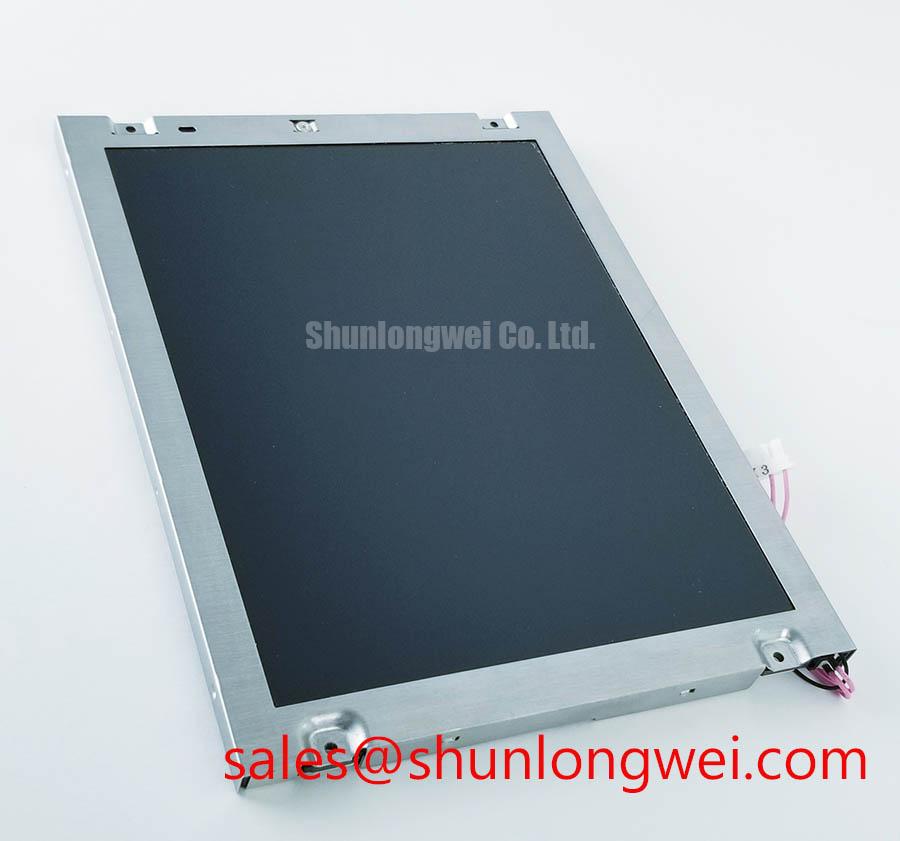
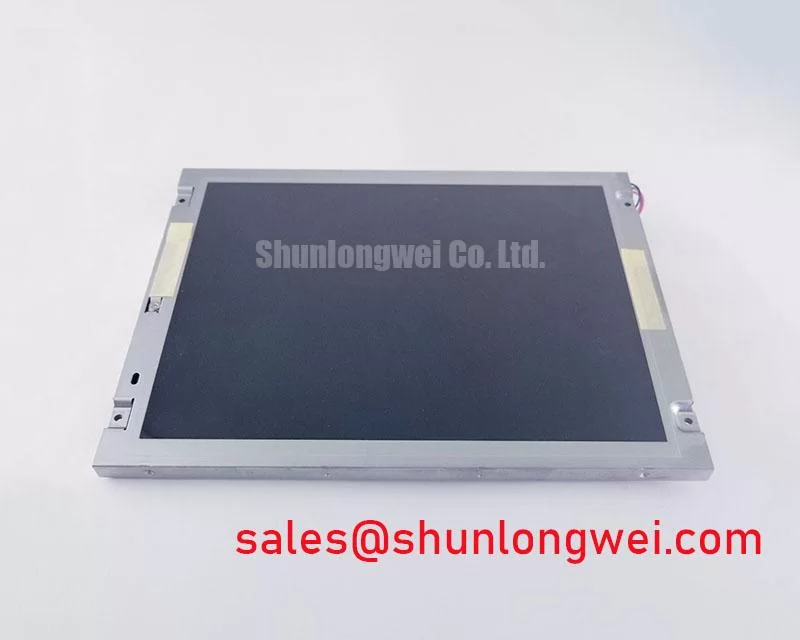
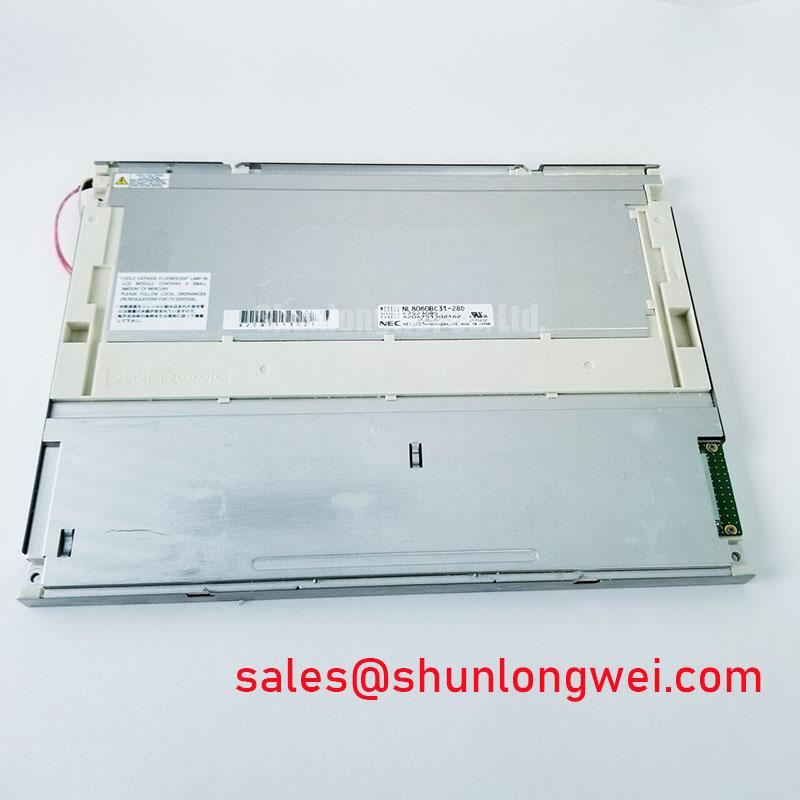
NEC NL6448BC26-11 is identified in the supplied product baseline as an industrial grade LCD/HMI panel with a TFT-LCD active matrix color display module construction. Its specification status is listed as Decoded Baseline / Standard Form Factor. The available baseline does not define the panel supply voltage, signal protocol, resolution, brightness, viewing angle, backlight electrical ratings, or mechanical envelope, so those values should be matched against the original equipment documentation before installation.
When a machine tool HMI shows a dark band, stuck pixel cluster, or uneven white field, isolate the display assembly before changing the controller. Drive the panel through red, green, blue, white, and black test screens, then inspect the dark field from an oblique angle with a controlled flashlight. This separates possible backlight nonuniformity from localized panel or driver line defects without assigning a single cause too early.
Run the three-color bench sequence with full-screen red, green, and blue images before evaluating text or graphics. A defective sub-pixel generally remains visible in one or more primary fields, while a backlight issue tends to affect a broader region of the active area. A full white field helps reveal luminance shading, and a black field makes bright leakage or isolated luminous points easier to see.
The 45-degree flashlight inspection is useful when the panel is difficult to evaluate under normal room lighting. Sweep the light across the inactive and active regions without pressing the glass. A shadow that follows the external light path should not be confused with a fixed line defect. If a vertical or horizontal mark remains aligned with the same pixel region through every color field, compare it with a known-good signal path and inspect the panel connector seating before concluding that the display cell itself has failed.
Backlight control requires separate treatment from image data. If the host uses PWM dimming, an Engineering Recommendation is to evaluate a system-selected frequency within the 200 Hz to 1 kHz range while checking audible behavior, camera banding, and perceived flicker. Duty-cycle linearity should be checked at low, medium, and high brightness settings because an apparently stable image can still show uneven luminance during dimming transitions.
For factory automation machine tool and HMI operator terminals, static alarm icons and menu elements should be checked after extended operation. Persistent image retention can be influenced by panel technology, temperature, drive waveform, and duty cycle. Avoid treating a temporary residual image as proof of permanent damage without allowing the display to return to a neutral screen and comparing the result at controlled brightness.
Dynamic Contrast Behavior and Liquid Crystal Temperature Tracking
Contrast evaluation should begin with grayscale ramps rather than a single black and white image. Check whether adjacent dark tones remain distinguishable at the intended operator position, then repeat the test from the actual enclosure angle. Temperature changes can alter liquid crystal response and grayscale separation, so cold-start evaluation should include the time required for text, icons, and alarm states to become stable.
The supplied baseline does not identify the panel cell mode, viewing-angle specification, contrast ratio, anti-glare treatment, or sunlight performance. Do not assign TN, IPS, or MVA characteristics to this exact model without the relevant panel documentation. In practical integration work, the contrast result is affected by ambient reflections, cover-window spacing, surface treatment, controller timing, and backlight level.
| Evaluation Item | NEC NL6448BC26-11 | Related Selection Reference |
|---|---|---|
| Manufacturer | NEC | NEC |
| Product category | Industrial Grade LCD/HMI Panel | LCD panel reference |
| Construction | TFT-LCD Active Matrix Color Display Module | Verify from original documentation |
| Form factor status | Decoded Baseline / Standard Form Factor | Compare outline and connector position |
| Potential sourcing comparison | Current replacement candidate | NL8060BC21-09 |
The linked comparison part should be treated as a separate evaluation item, not an automatic substitute. Check active-area dimensions, mounting points, connector orientation, pin assignment, timing, backlight drive method, and optical stack before approving a replacement. The industrial TFT display reference provides useful context for optical and environmental evaluation, while the NEC corporate reference should be used for manufacturer-level product context rather than assumed model-specific ratings.
Chassis Fastener Torque and Optical Mura Control
Optical mura often becomes more visible after a panel is clamped into a metal bezel. Uneven frame pressure can distort the visible field, change edge luminance, or create localized dark areas that were not present on the bench. Position the display in the enclosure without forcing the corners into alignment, then tighten the chassis in a cross pattern so that mechanical load is distributed gradually.
The supplied product baseline does not provide a NEC-approved fastener torque, bezel tolerance, or mounting-hole drawing. Torque must therefore be controlled by the chassis and display assembly documentation rather than assigned as an NL6448BC26-11 factory parameter. The mechanical designer should account for bezel flatness, gasket compression, thermal expansion, and vibration transfer while leaving the panel free from concentrated glass or frame loading.
Backlight service life also depends on LED current, thermal path, brightness setting, enclosure temperature, and driver regulation. A stated 50,000-hour brightness-retention figure must not be attributed to this model without a source tied to the exact backlight assembly. During acceptance testing, record brightness uniformity at the selected operating level and repeat the measurement after thermal stabilization.
🔧 Bench Diagnostic: Disconnect power before inserting or removing the panel cable, and confirm that the connector locking feature is fully seated before applying power.
For long-term static HMI screens, use screen rotation, controlled brightness, and neutral idle pages where the system permits. These are system-level design considerations, not guaranteed properties of the display module. Vibration testing should examine both the panel frame and the flexible cable path because a rigidly constrained cable can transfer movement into the connector or cause intermittent contact.
Eye-Diagram Voltage Margin and Differential Noise-Floor Verification in High-Vibration Bays
Signal integrity must be verified from the installed controller to the display connector, not inferred from the panel category. The supplied baseline does not confirm LVDS, TTL, connector pinout, JEIDA, VESA, or a specific pixel-clock format. The system integrator should obtain the original panel documentation and align the controller output, data ordering, polarity, timing, and power sequence with that reference.
In a cabinet containing variable-frequency motor drives, route display wiring away from switching power paths where the enclosure permits. Use the cable shield and chassis bonding method defined by the system EMC design, and inspect the return path at both the controller and display ends. Ferrite components may be evaluated when common-mode noise is observed, but their impedance behavior, placement, and current rating remain system-dependent.
Use an oscilloscope at the receiving end to compare the known-good signal path with the suspect assembly. Look for timing displacement, excessive ringing, intermittent dropouts, or noise that changes with motor speed. A horizontal noise band can result from several interacting conditions, including cable routing, grounding, timing mismatch, connector contact, or power disturbance; it should not be assigned to one mechanism without waveform and environmental correlation.
PWM backlight testing should be performed separately from image-data testing. An Engineering Recommendation is to evaluate the selected 200 Hz to 1 kHz range for visible flicker, camera interaction, acoustic behavior, and brightness linearity, while allowing the complete HMI system to determine the final setting. For low-temperature startup, verify power sequencing and observe the first valid image, white-screen behavior, residual image, and recovery after power removal. The related engineering discussion in The Ultimate Guide to Industrial TFT Display Technology can support broader integration review.
When the NL6448BC26-11 is evaluated for a CNC operator pendant, industrial HMI console, or automation control cabinet, final acceptance should combine optical inspection, connector retention, enclosure fit, temperature response, vibration exposure, and signal integrity measurements. Each result should be compared with the original equipment baseline before the panel is released for service.