

Content last revised on October 5, 2026
Cold Start Response and Temperature Margin in the LQ057Q3DC01
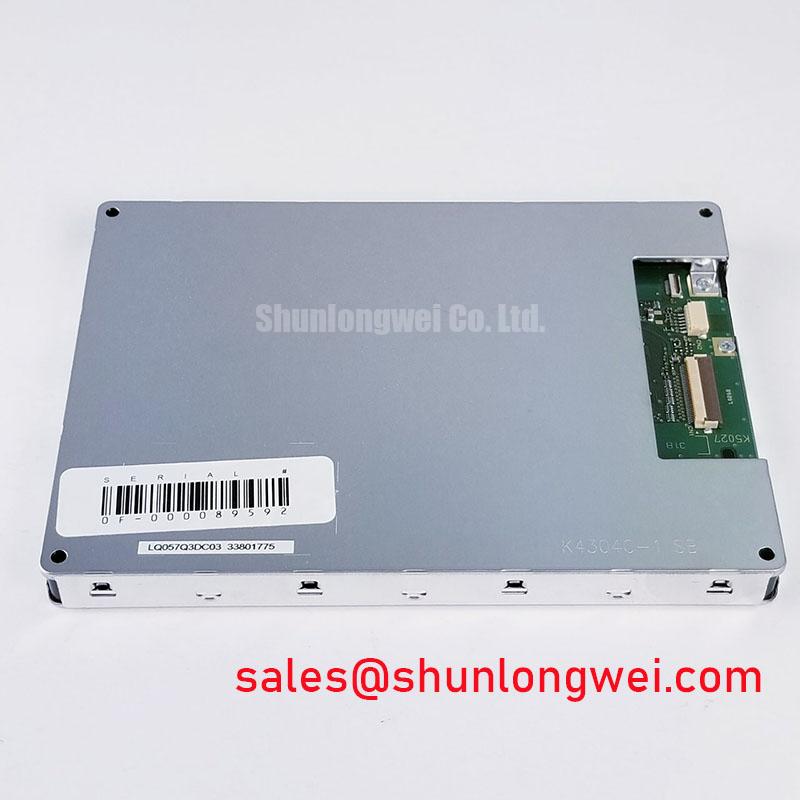
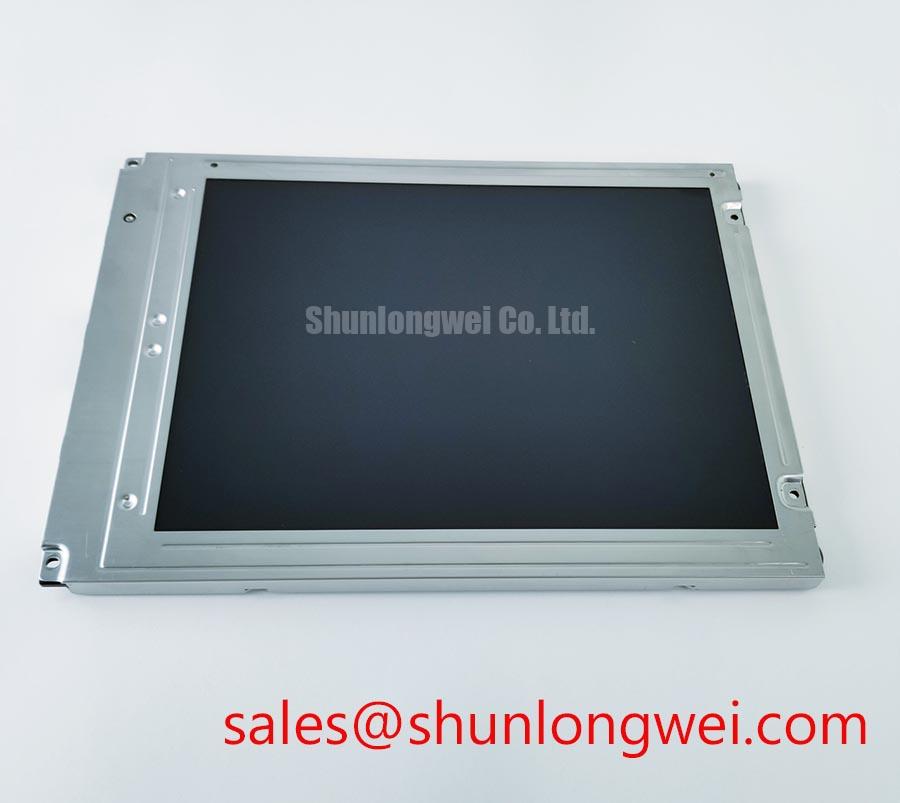
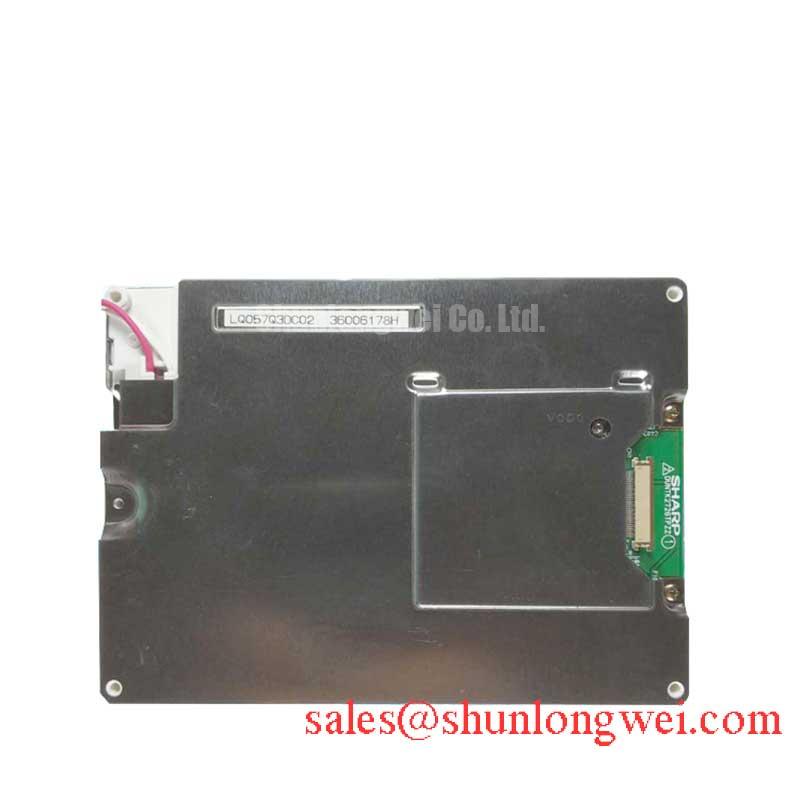
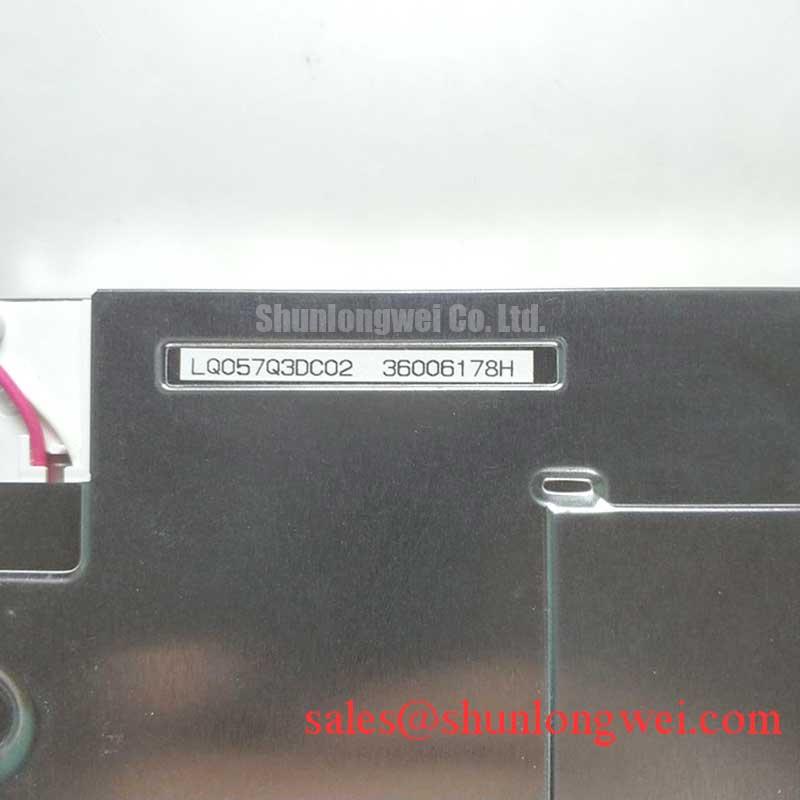
Check the label on the removed display module, then compare its connector location, mounting points and active viewing area with the proposed Sharp LQ057Q3DC01 before reconnecting the operator station. The supplied factory identification describes this part as an industrial grade TFT LCD display module. It does not establish the electrical interface, backlight type, operating temperature limits or enclosure rating, so those details need confirmation against the original Sharp documentation and the equipment drawing before power is applied.
Start a cold start assessment by recording what the panel actually displays at the equipment’s lowest expected ambient temperature. Compare a moving cursor, alarm transition and static text with the same images after the assembly has stabilized at room temperature. Liquid crystal response can slow as temperature falls, so a sluggish transition alone does not identify a failed module. The useful distinction is whether the response recovers as temperature rises and whether the controller continues to send a stable image throughout the test.
The temperature range cited for an installation must come from the LQ057Q3DC01 factory specification, not from a broad description such as “industrial grade.” The same applies to gray to gray response time and storage limits. As a Design Consideration, an equipment engineer should test the complete display assembly across its specified environmental range, including the cover window, mounting frame and controller. An enclosure can be warmer than the surrounding air during operation and can cool at a different rate after shutdown.
Condensation deserves a separate inspection. Look for moisture on the inside face of the cover window, around the gasket and near the display connector after a temperature transition. Photograph any haze before opening the enclosure; that preserves evidence of where moisture formed. If the window clears while an image defect remains on the LCD itself, continue the electrical and optical checks rather than attributing both observations to one cause. Seal compression, cable entry condition and the cabinet’s thermal cycle should be reviewed together. No moisture resistance or perimeter seal life is implied by the module’s product category.
For a hazardous petrochemical operator station, the LQ057Q3DC01 can only be evaluated as one part of a certified equipment assembly. Its display identification does not establish suitability for a Zone 2 installation or confer an explosion protection rating. The enclosure documentation and site approval requirements govern that decision. Broader enclosure and environment questions are covered in Industrial Display & HMI Solutions; they should not be mistaken for additional factory ratings of this panel.
Backlight Heat, Dimming and Optical Condition
Before adjusting brightness, observe the installed module with a uniform image and note whether any dim area stays fixed relative to the glass. Then check the brightness control signal and the associated driver against the equipment schematic. The supplied identification does not confirm the LQ057Q3DC01 backlight technology, driver arrangement, luminance or dimming method. Treating an assumed LED rail or PWM input as a confirmed feature could lead a repair toward the wrong circuit.
Heat near a display edge may come from the lighting assembly, nearby electronics or restricted cabinet airflow. As a Design Consideration, inspect airflow paths and measure accessible surface temperatures under the equipment’s normal operating conditions before changing mechanical parts. Any proposed heat spreader must be checked for clearance, electrical isolation where required and pressure on the display frame. It should not be presented as a specified part of the LQ057Q3DC01 without supporting documentation.
Compare brightness at the same control setting and ambient condition when evaluating an apparent loss of light. A photograph is useful for locating a defect, but automatic camera exposure makes it a poor standalone brightness measurement. If the image is present while illumination is absent, follow the documented backlight power path and connector assignments. If both image and illumination are missing, confirm the controller supply and display enable sequence before focusing on the lighting circuit. Neither symptom identifies a single failed part by itself.
A replacement display is not a substitute for checking its surrounding electronics. The LMS700KF01-001 is another display product for comparison within a broader equipment review, not a documented backlight driver or drop-in companion for this Sharp module. Backlight current, dimming behavior and any service life claim require the applicable component and equipment specifications. They cannot be inferred from the LQ057Q3DC01 model name.
Maintenance Note: Isolate power before disconnecting the display cable, and inspect the cabinet airflow path and window gasket during the same service visit.
Signal Routing and Power Sequencing Before Display Replacement
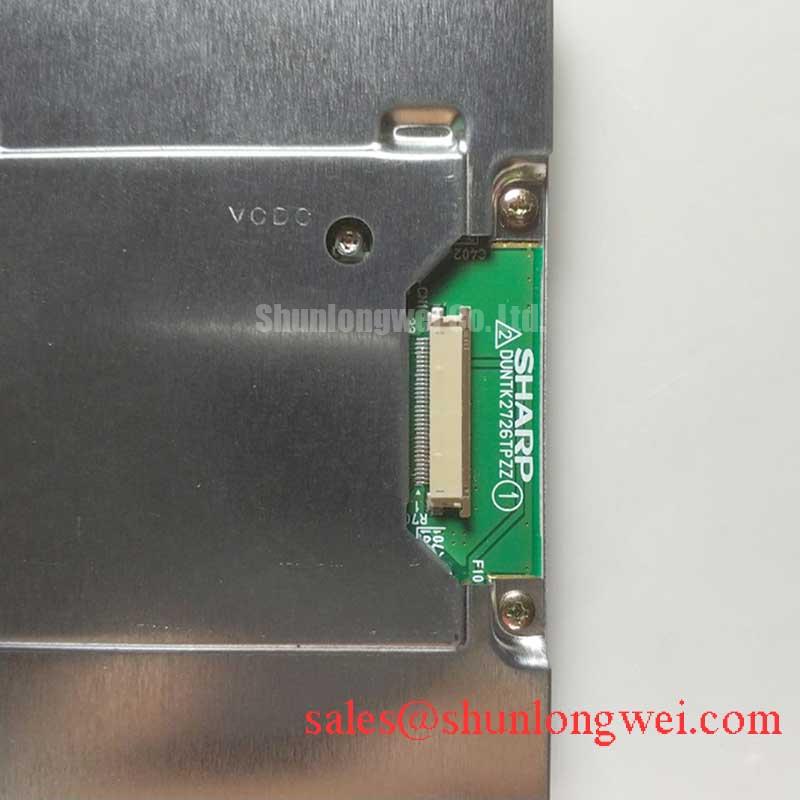
Trace the display cable from the controller to the module before ordering or installing a replacement. Record connector orientation, contact position, cable routing and any intermediate board. Match the pin assignments to the original equipment documentation rather than relying on connector appearance. The available factory identification establishes a TFT LCD display module; it does not identify an LVDS interface, differential impedance, data mapping or logic supply voltage for this model.
Where the documented equipment design uses differential signalling, a Design Consideration is to preserve the specified cable construction and routing so that the controller sees the intended signal path. Check for a cable trapped under a bracket, disturbed shield termination or a bend introduced during maintenance. An oscilloscope comparison with a known working assembly may help distinguish a transmission problem from a display defect. It does not justify assigning a universal impedance or skew limit to the LQ057Q3DC01.
Power sequence matters just as much as signal routing. The system integrator should verify the required supply voltage and turn on order from the original panel documentation, then measure the installed equipment at the display connector. Observe the supply during startup and shutdown, including whether the controller applies signals while the panel supply is absent. A blank or divided image may reflect a controller setting, cable contact or panel issue; verify timing and image data before deciding which item to replace. Interface mapping conventions should only enter that check if the documented interface calls for them.
For procurement comparison, the LM64P10 can be reviewed as a separate display reference, but it is not an established equivalent to the LQ057Q3DC01. Compare the original drawings, active area, mounting geometry, connector assignment, supply requirements and optical characteristics item by item. A similar visible screen area does not demonstrate electrical or mechanical interchangeability.
Mounting Stress and Image Defect Checks at the Bench
Place the unpowered module on a clean, supported work surface and inspect the frame for distortion before fitting it into the operator station. Check that the mounting hardware seats against its intended supports and that the gasket meets the cover window evenly. As a Design Consideration, fasteners should be tightened according to the equipment drawing, with pressure distributed around the frame rather than concentrated at one corner. No mounting torque for this model is established by the supplied identification.
After installation, display full screen red, green and blue images from a verified controller. Compare a line defect across all three images, then repeat the observation with a dark image and a uniform bright image. A line that remains fixed may point toward the signal path or panel electronics; a bright patch that changes with frame pressure may point toward mechanical loading or the optical assembly. Neither pattern proves an internal fracture. Record the image and the operating condition before disturbing the cable or mounting hardware.
Use a handheld light only as an aid to observation. With the unit safely powered down, an oblique beam can reveal dust, marks on the cover window or uneven gasket contact. It cannot reliably identify an undocumented internal driver structure. With the unit running, compare any suspected dark region at a fixed viewing angle and brightness setting, then check whether it changes when the known working signal source is connected. Avoid pressing on the glass to reproduce a fault.
For a cabinet exposed to vibration or repeated thermal cycling, inspect the cable strain relief and mounting supports at the next planned service interval. Look for fasteners that no longer seat evenly, gasket sections that have shifted and a cable that pulls on its connector when the door moves. Correct those assembly conditions using the equipment manufacturer’s instructions, then repeat the uniform image check. This separates observable mechanical effects from assumptions about the module’s internal construction and leaves a clear record for the repair decision.